
Play Filmstrips
Present your Edge Animations filmstrips to patients during consultations and treatment planning sessions.
Playback Options
Play All
Play the entire filmstrip from start to finish.
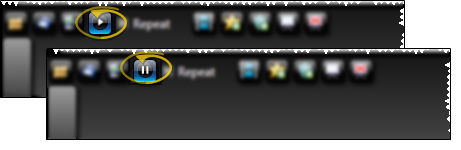
Repeat Mode
Enable repeat to loop the filmstrip continuously.

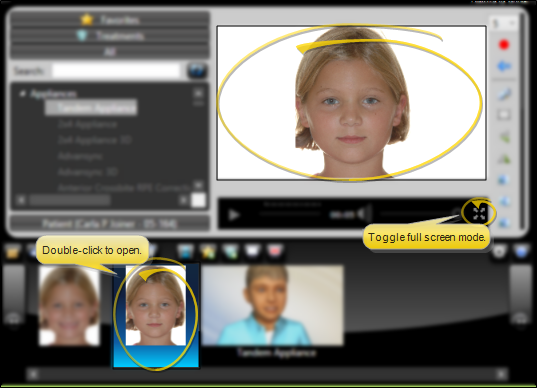
Full Screen
Expand to full screen for optimal patient viewing.
Presenter Mode
Use Presenter mode to control filmstrip playback from a separate device or window while patients view on the main display.

Start Presenter
Launch Presenter mode to gain remote control of playback.

Stop Presenter
End the Presenter session when finished.
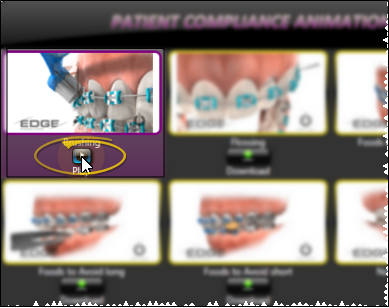
Compliance Animations
In addition to custom filmstrips, Edge Animations includes a library of compliance animations for patient education.
Download Compliance Videos
Download compliance videos through the Asset Manager.
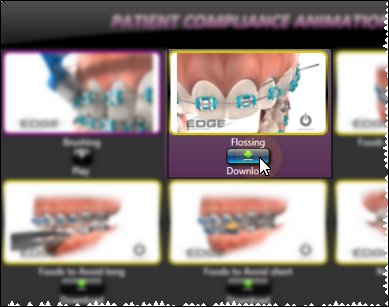
Play Compliance Videos
Select and play compliance videos directly without creating a filmstrip.
Next Steps
- Edit Filmstrips - Customize your presentations
- Publish & Share - Export for external use