
Publish & Share Videos
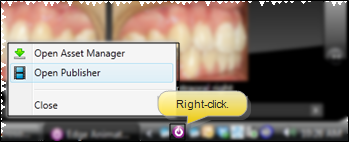
Use the Edge Animations publisher to export filmstrips as video files that can be shared outside of Edge Cloud.
Publishing Options
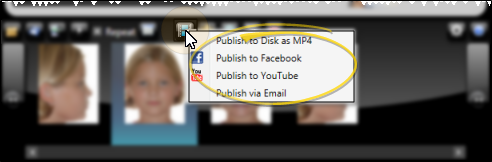
Save to Computer
Export your filmstrip as a video file (.mp4, .wmv) to your local computer for:
- Playing on any device
- Uploading to your website
- Sharing via email
Upload to YouTube
Publish directly to YouTube for easy patient access and sharing. Patients can view videos on any device with a YouTube link.
Upload to Facebook
Share educational content directly to your practice's Facebook page.
Email Link
Send a link to a published video via email. Patients receive a link to view the video without downloading.
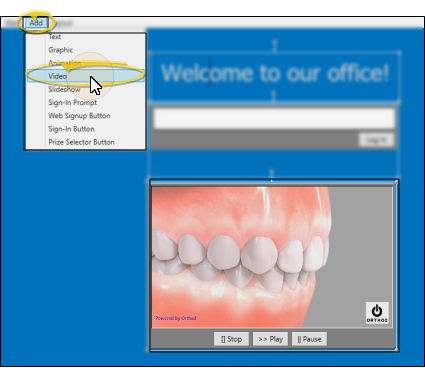
Sign-In Videos
Create custom videos that play on your patient sign-in kiosk.
Managing Published Videos
Open Published Videos
View and manage your previously published videos.
Review Video Settings
Check the settings for published videos.
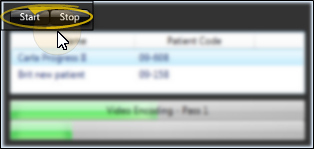
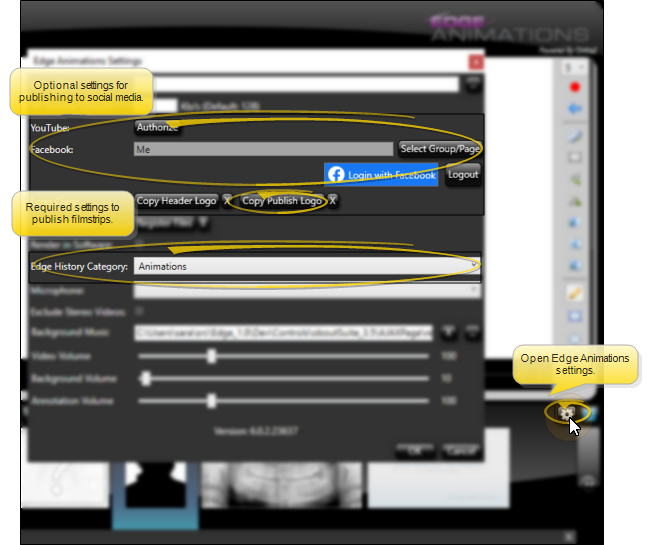
Publish Settings
Configure default publishing settings.
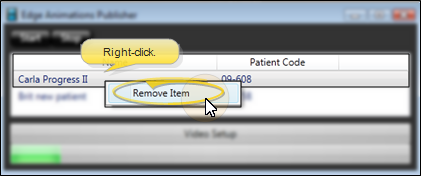
Remove Published Videos
Delete videos you no longer need.
- Save: Creates an XML file you can edit later in Edge Animations
- Publish: Creates a video file that plays anywhere, but cannot be edited
Consider saving your filmstrip before publishing so you can make changes later.
Next Steps
- Create Filmstrips - Build more presentations
- Edge Animations Overview - Return to main section