
Submit ABO Case
Use the Submit ABO Case integration with Edge Imaging to electronically file your ABO case reports.
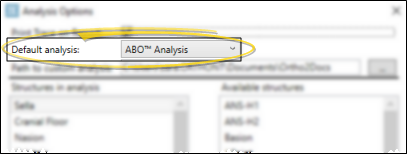
SmartCeph andABO Case Submission Integration - To be able to use the full set of ABO-required structures for the ABO Case Submission integration in Edge Imaging, you must select the ABO Analysis as your analysis. See "Analysis Options" for details.
Open ABO Submission Window
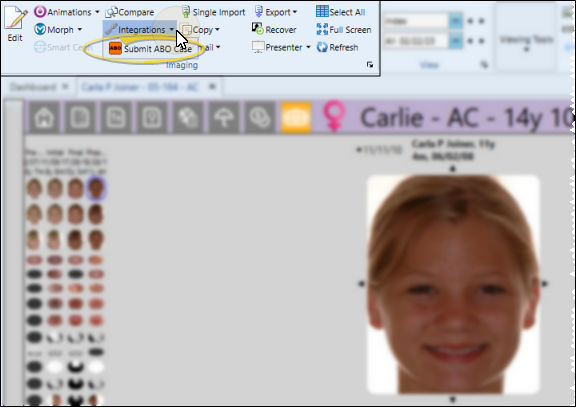
Open the patient's Imaging page. Then, from the Imaging section of the ribbon bar, open the Integrations dropdown and select ABO Case Submit. Morph.
ABO Submission Details
ABO Credentials
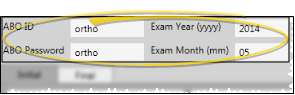
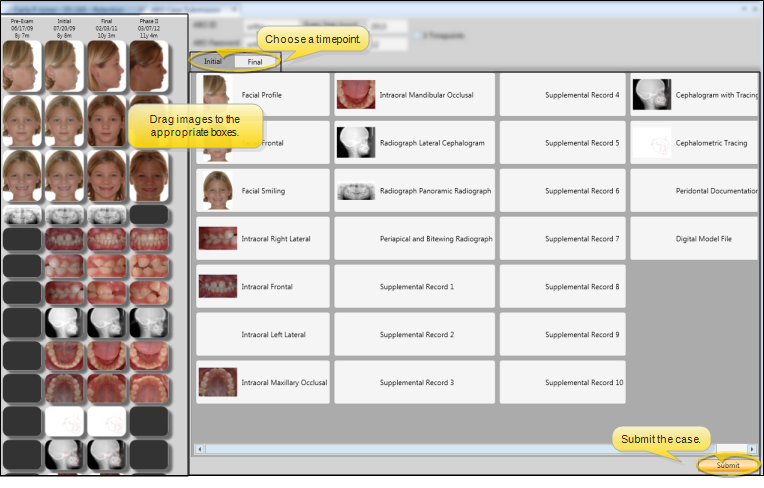
At the top of the screen, enter your ABO identification number and password for electronic submission, as well as the year and month of your exam.
3rd Timepoint Option
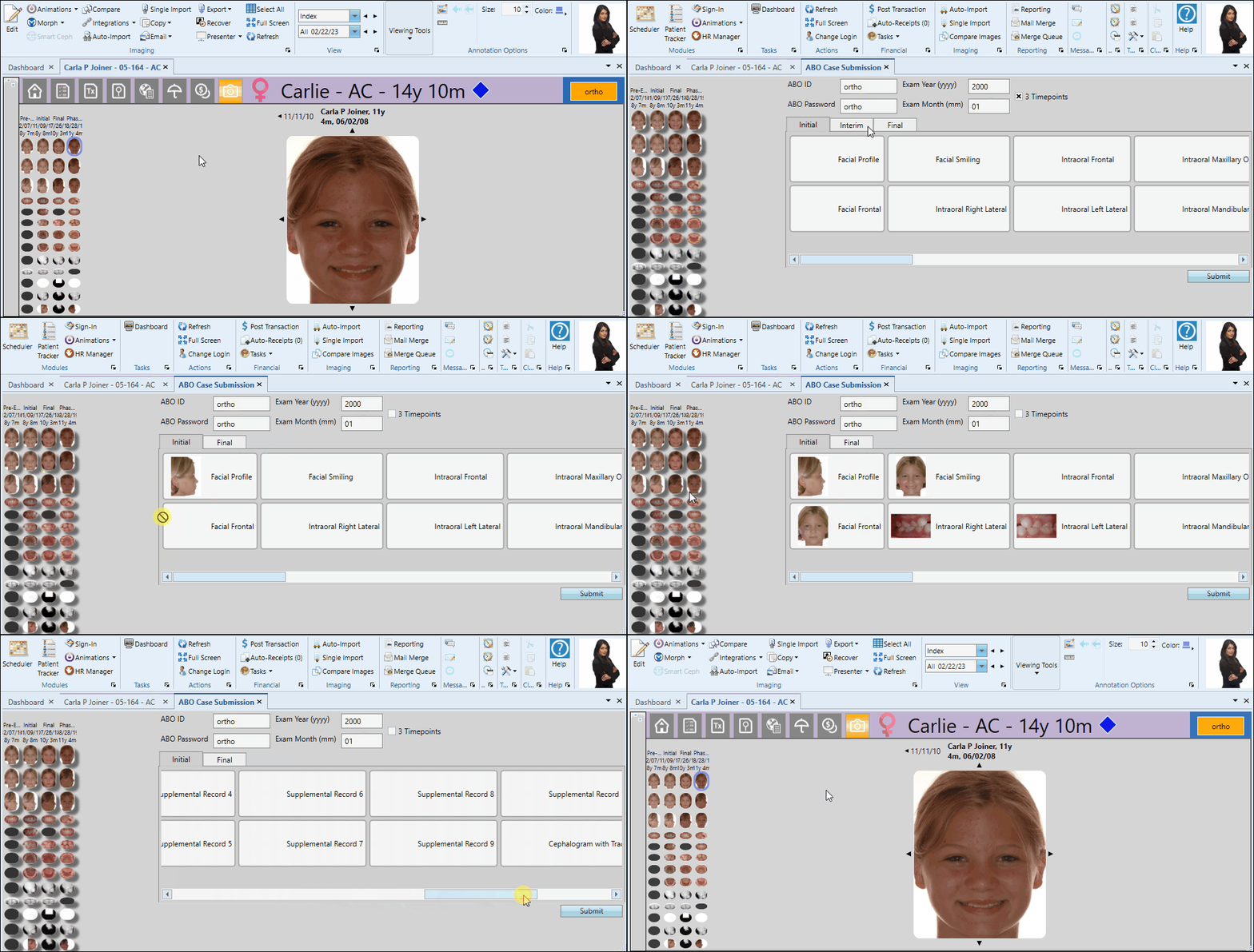
By default, the ABO case submission will include two timepoints: Initial and Final. You can optionally enable the 3 Timepoints option at the top of the screen to add a third "Interim" timepoint to the case.

Images
Click the timepoint tab you want to work with. Then drag the appropriate image from the left side of the window into each image box. Repeat the process for each timepoint. If you make an error, you can simply drag the correct image onto a filled box to replace it, or right-click to clear the image box completely.
Submit the Case
When completed, click Submit at the bottom of the window to electronically submit your case. An active Internet connection is required for this feature to work.