
Review Sent Newsletter Statistics
Use the Sent Items window to review the data regarding Edge Broadcast newsletters you have sent.
Newsletters Not Being Delivered
If some or all of your Edge Reminders email messages, Edge Broadcast newsletters, or emailed appointment cards and payment receipts aren't being delivered, they are likely being flagged as spam, or blocked as unverified transmissions by the recipients' email providers. If you have ascertained from patients and parents that the message was not delivered to their spam folder or blocked by their spam filters, you can often resolve the problem by configuring your domain records to allow Edge data center messages in your sender list. See "DMARC/SPF: Undelivered Emails" for details.
Open Edge Broadcast Service
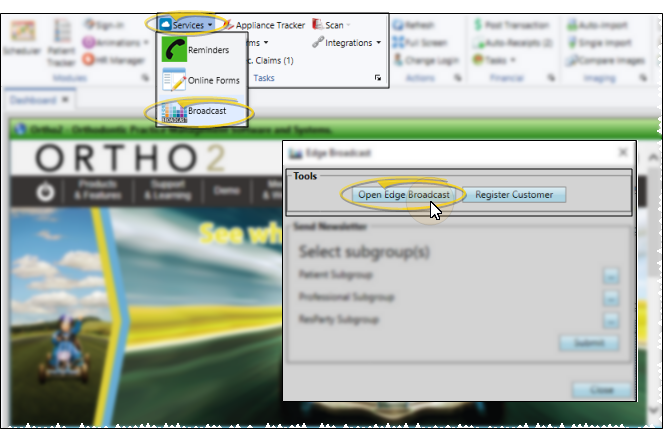
Select Services from the Tasks section of the Home ribbon bar and choose Broadcast. Then choose the Open Edge Broadcast option from the Tools section of the window. Or, navigate to https://edgebroadcast.ortho2.com. The Edge Broadcast application main window will open in your default browser.
Open the Sent Items Window
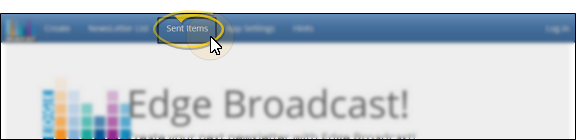
Click Sent Items from the Edge Broadcast ribbon bar at the top of the screen. (If you are not already logged into Edge Broadcast, enter the email address and password associated with your Edge Broadcast account.)
Review Data
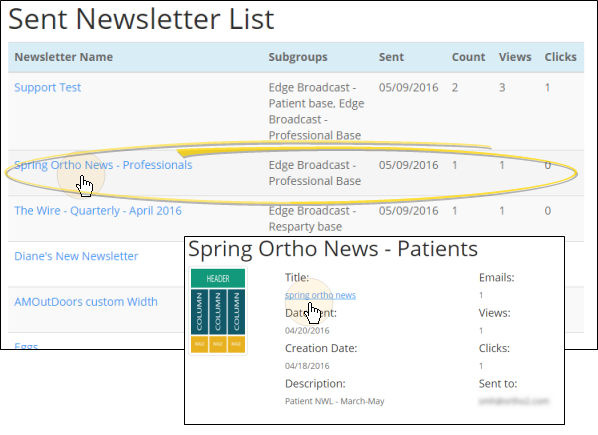
The Sent Newsletter List shows you all of the newsletters you have sent, along with the subgroups used, the number of people that received the email message, the number of people that opened the email, and the number of people that clicked a link in your newsletter.
You can click a newsletter name to open further details about that item, including the date the newsletter was sent, and the email addresses that it was sent to. In addition, you can click the name in the newsletter detail window to open a copy of the newsletter for your review.