
Professional Assigned & Referred Patients Report
Run a Professional Assigned Patients or Professional Referred Patients report from the Professional page to obtain a list of the patients who are treated by, or have been referred to your office by the professional.
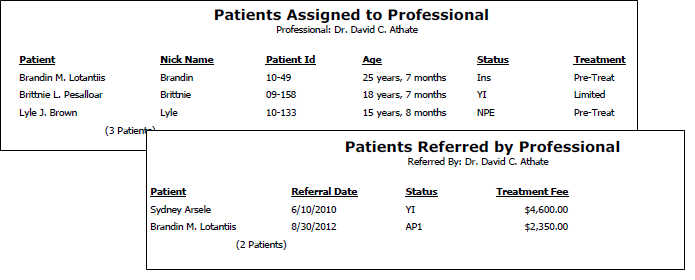
Print a Report
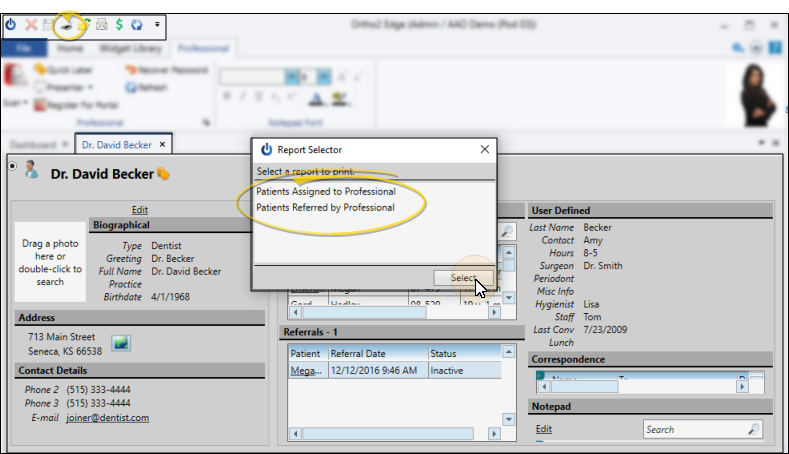
While viewing a professional page, click Print icon in the Quick Access toolbar, (or press Ctrl-P on your keyboard) then select whether you want to print a report of the patients that are assigned to this professional, or the patients that were referred to your practice by this professional.
After selecting the printer or output destination, the report is generated.