
Insurance User Options
Coming Soon!
Use the Insurance tab of your User Options to enable CDAnet/ITRANS insurance on this computer, and provide the URL for uploading those claims. Your security rights must include full access to the User Options Editor setting in the Practice Administration security group for this feature to work for you.
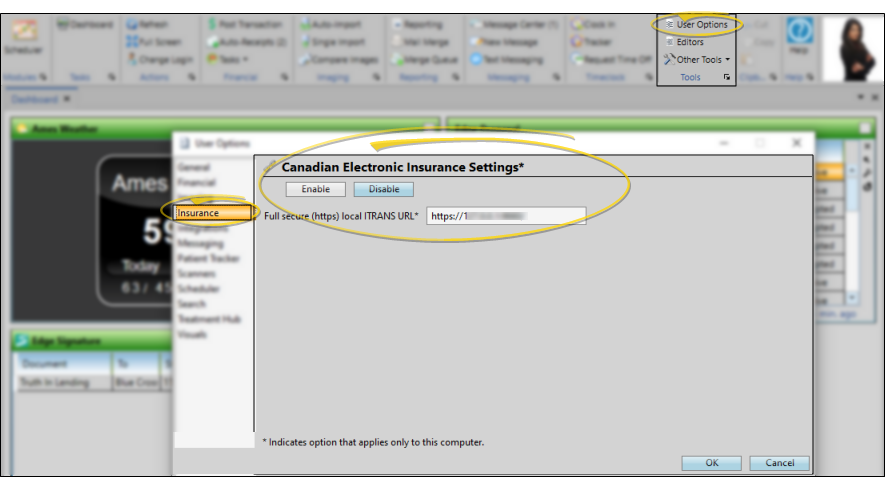
Open Insurance User Options
Open the User Options window from the File, Home, Patient, or Scheduler ribbon bar. Then choose the Insurance tab.
Choose Your Settings
Enable this option to integrate Edge Cloud with CDAnet/ITRANS insurance processing on this computer. Then, enter the complete URL you use to submit your claims to CDAnet/ITRANS. Note that you will need to enable this option on each computer you want to use to process electronic insurance.
Save Your Changes
You can click another User Options tab at the left to work with other Edge Cloud settings, or click Ok to immediately save any changes, and exit the window.